Booking takes a few minutes. Follow the steps below on a computer or a phone. The pictures use sample details.
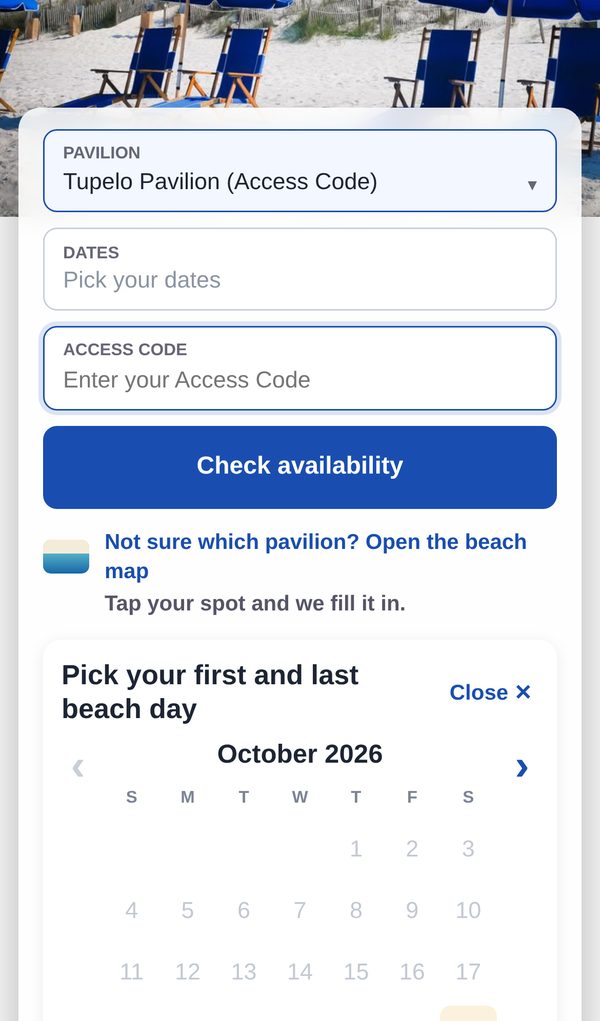
Access codes: pavilions marked (Access Code) need the access code from your rental company. In these pictures it is shown as your-code-goes-here; type your own code instead. George's Gorge, Coleman Pavilion and Club Cabana Man do not require an access code.
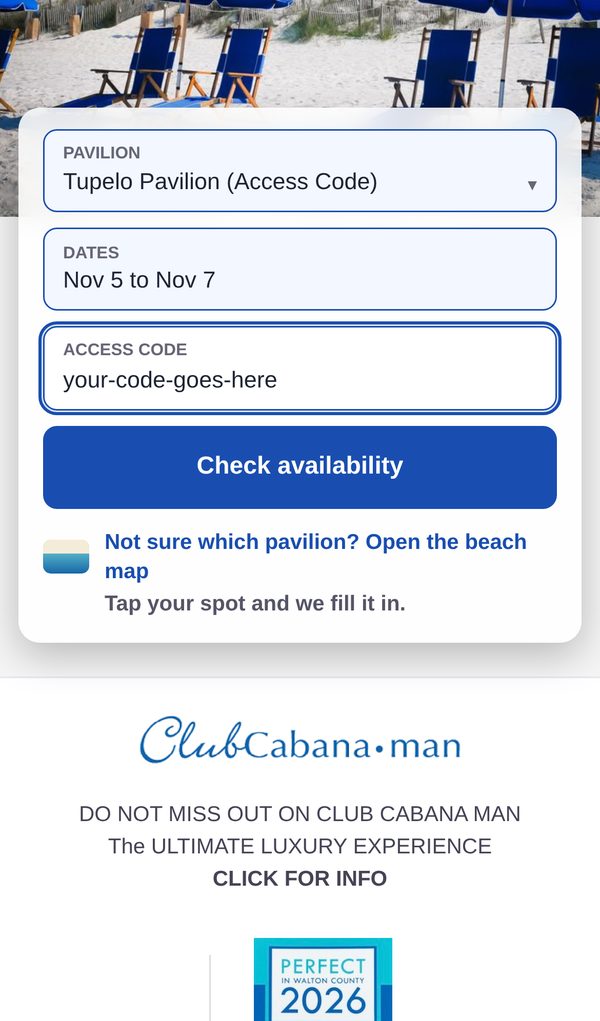
1Choose your pavilion
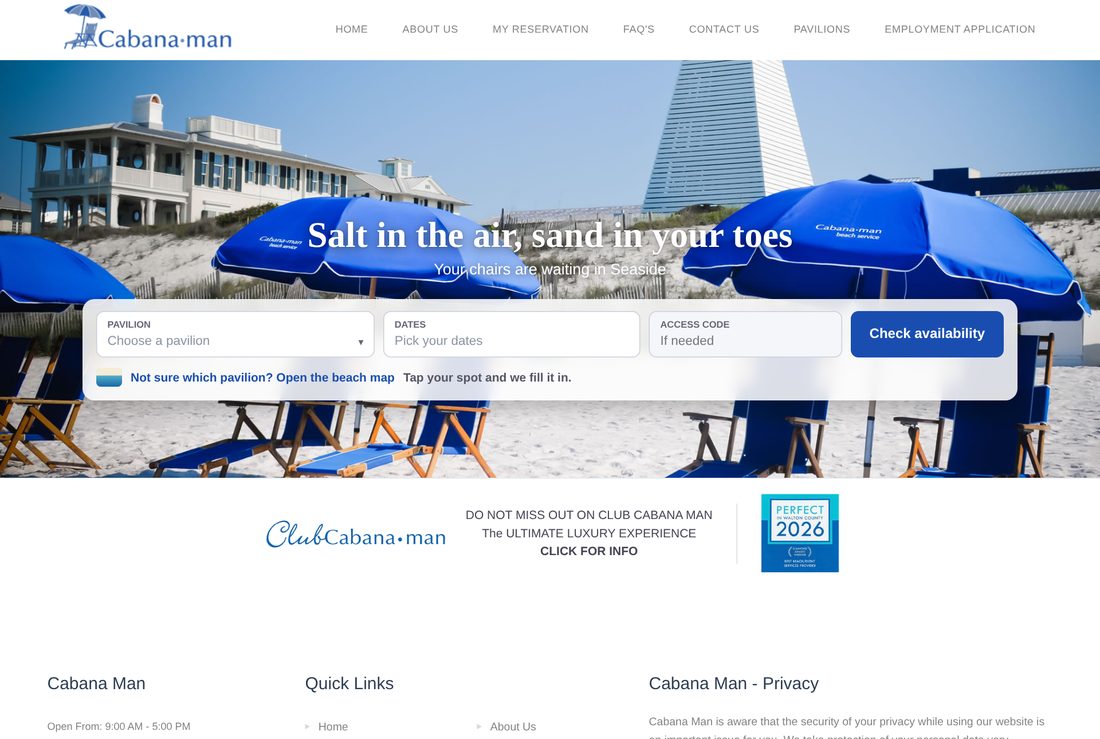
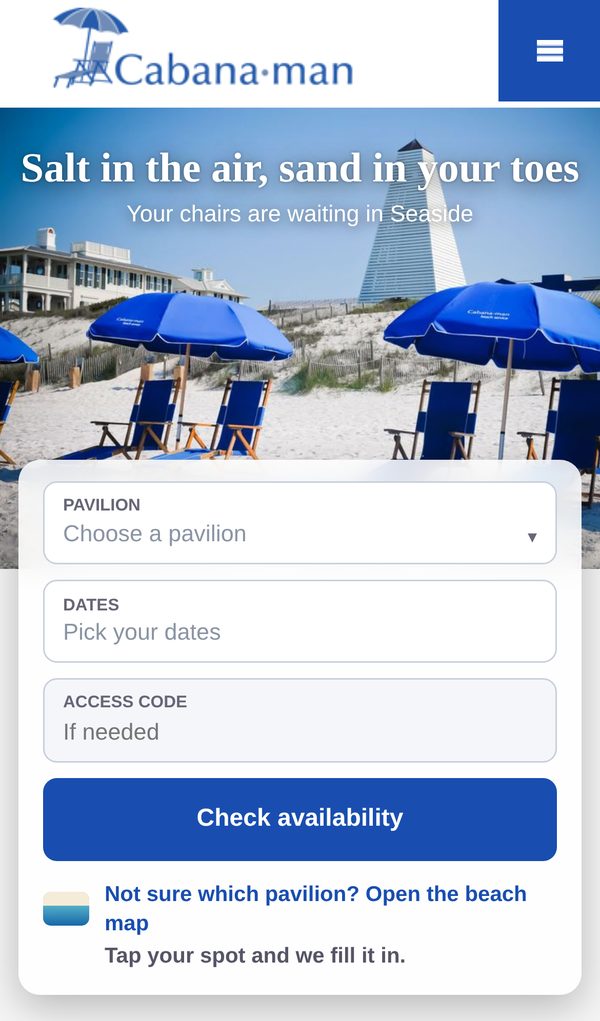
On the home page, open Pavilion and choose where you are staying. Not sure? Use Open the beach map and tap your spot.
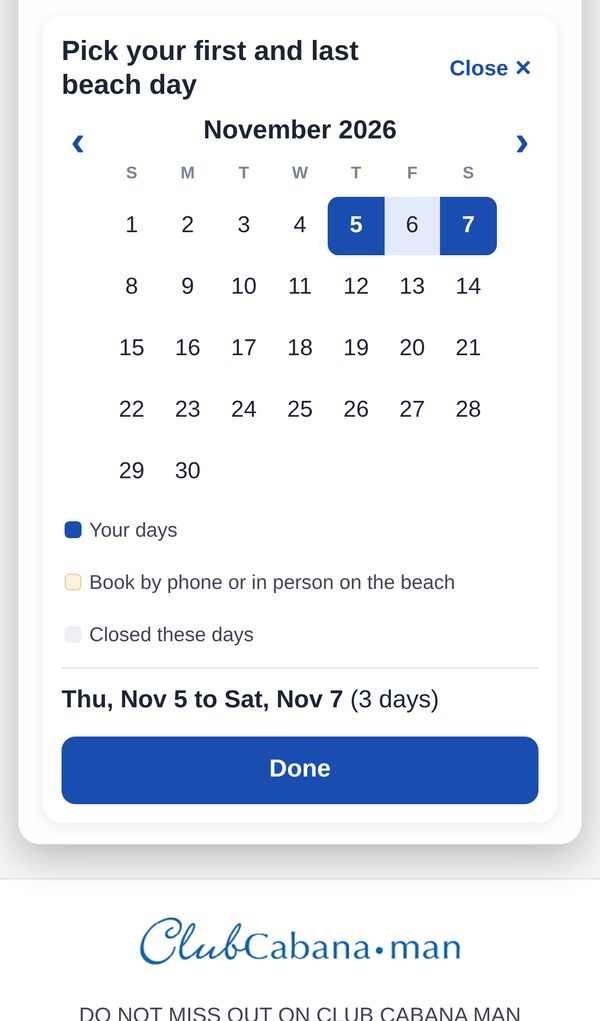
2Pick your dates
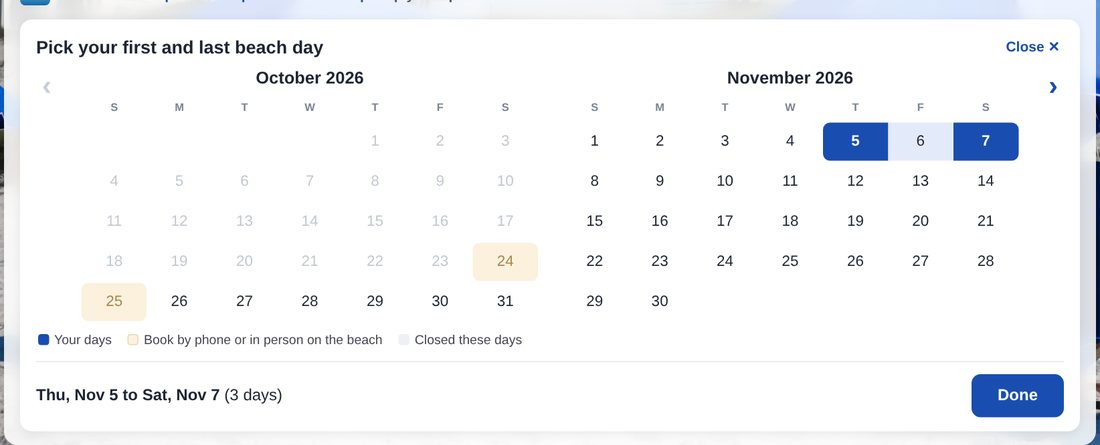
The calendar opens. Tap your first beach day, then your last beach day, then Done.
Shaded days can be booked by phone or in person on the beach. Grey days are closed.
3Enter your access code, then check availability
If your pavilion needs one, type your access code in Access Code. Then click Check availability.
George's Gorge, Coleman Pavilion and Club Cabana Man do not need a code. Leave the box empty.
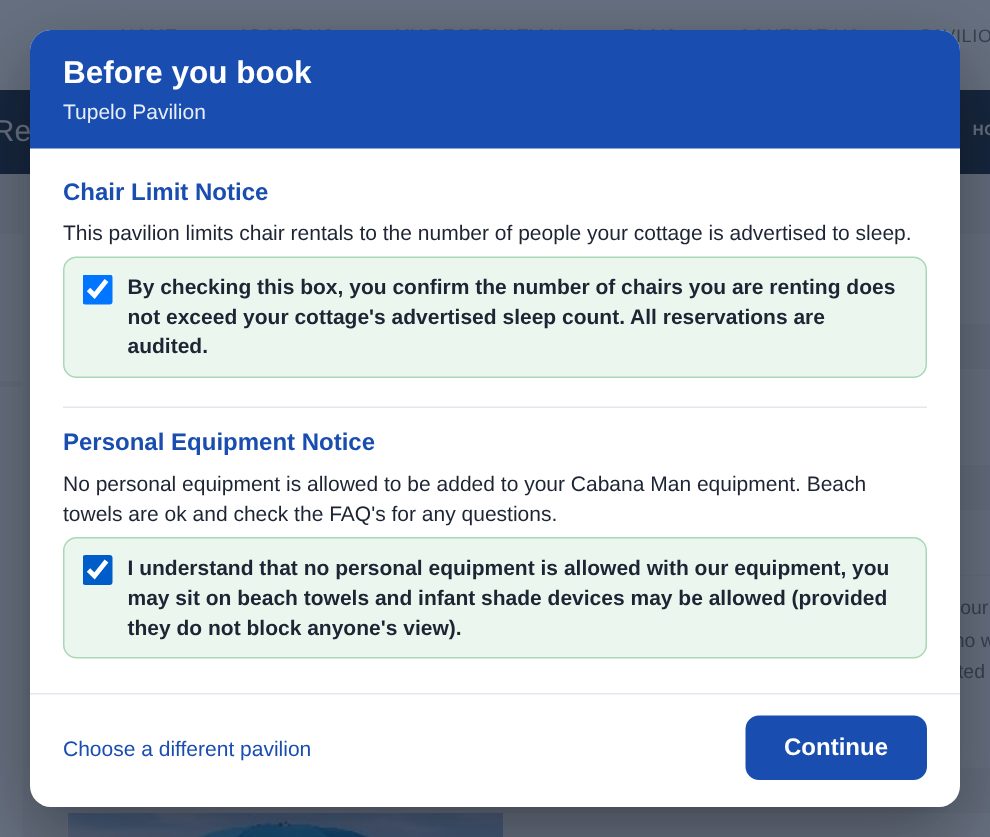
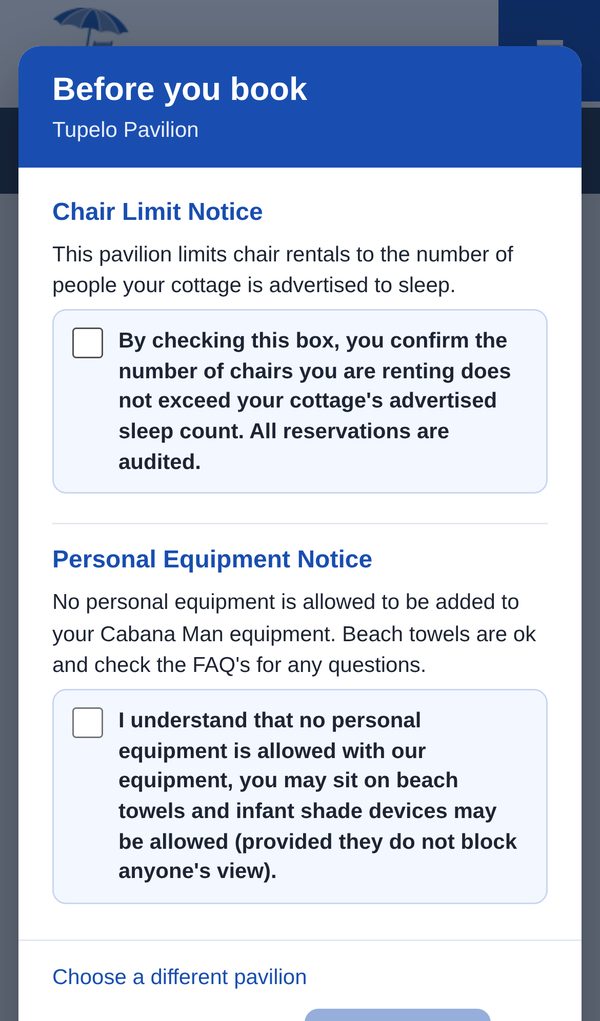
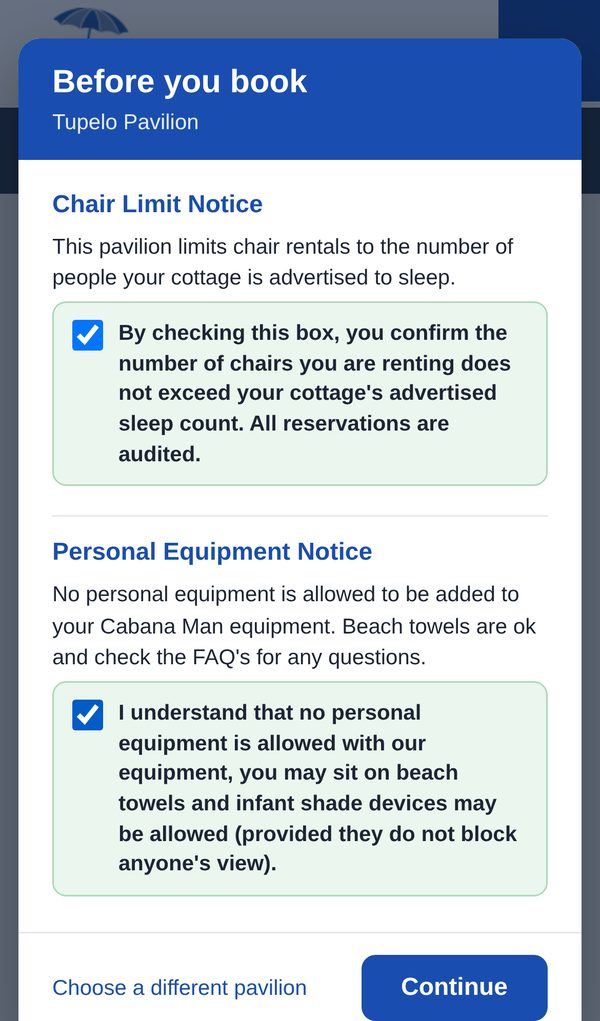
4Read "Before you book" and check each box
A short list of rules for your pavilion pops up. Read each one, check each box, then click Continue.
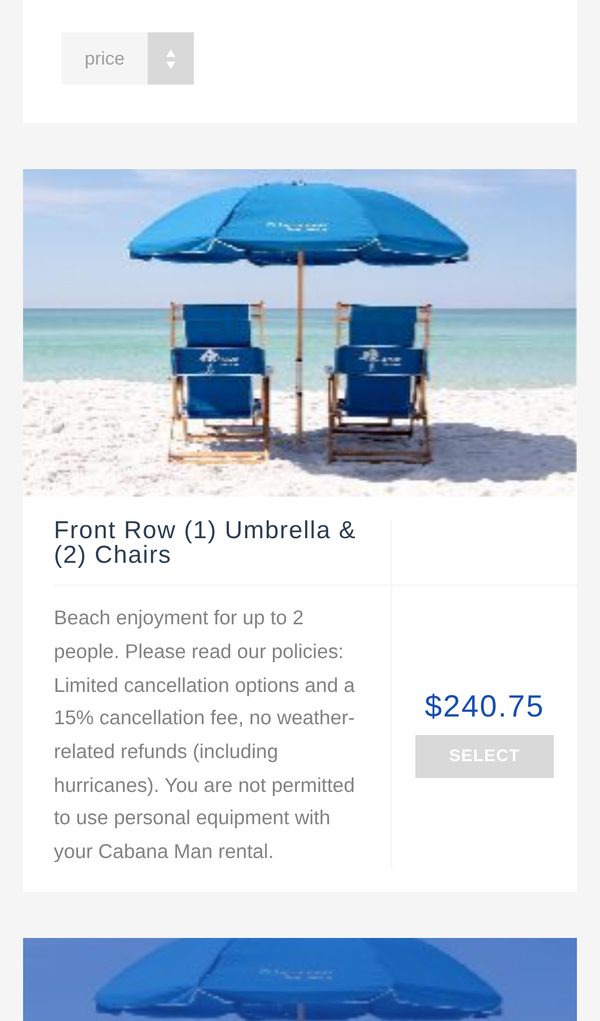
5Choose your package
Each package shows what is included and the price for your dates. Click SELECT on the one you want.
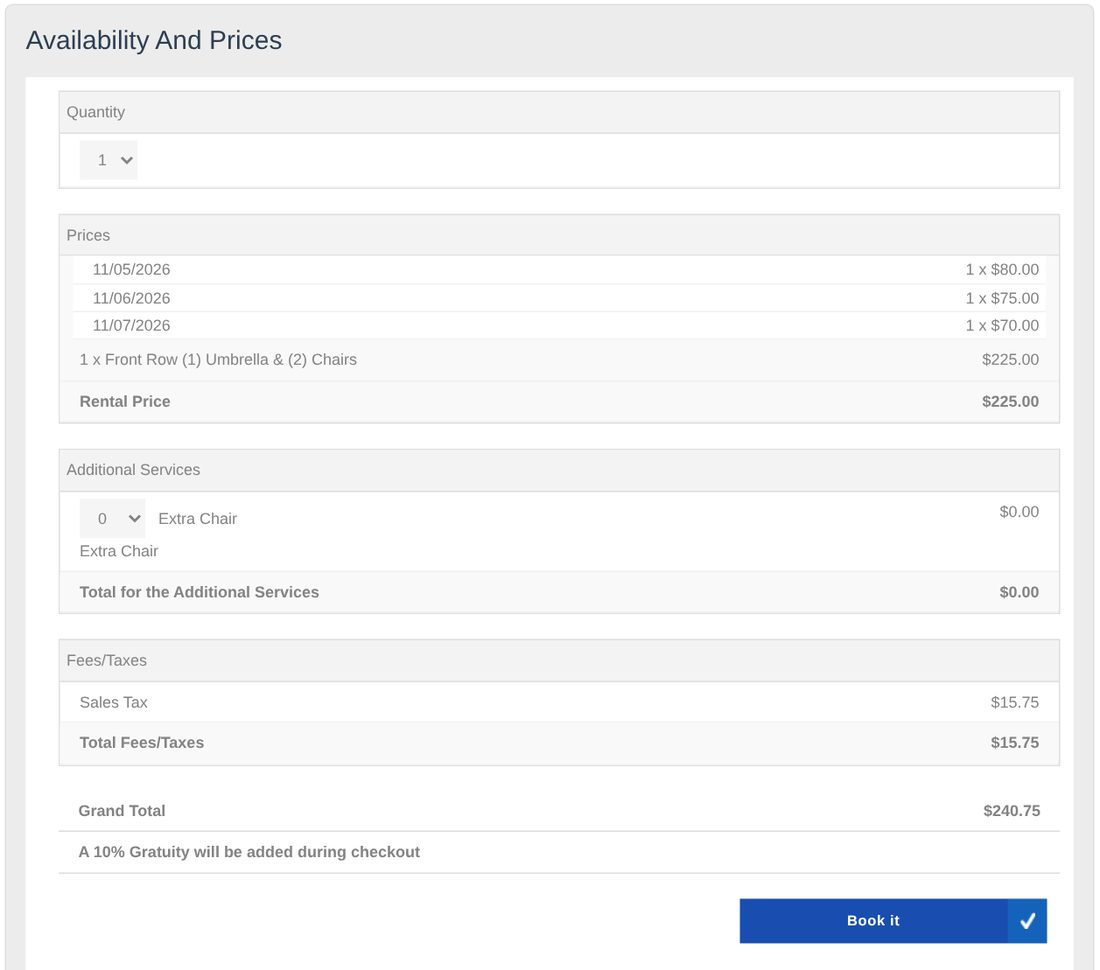
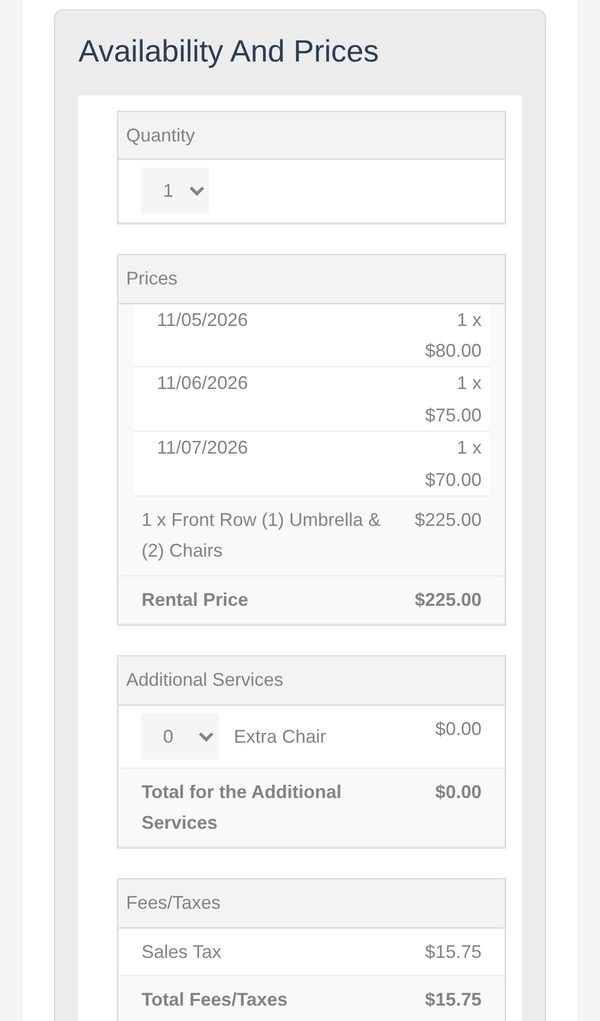
6Quantity and extras, then Book it
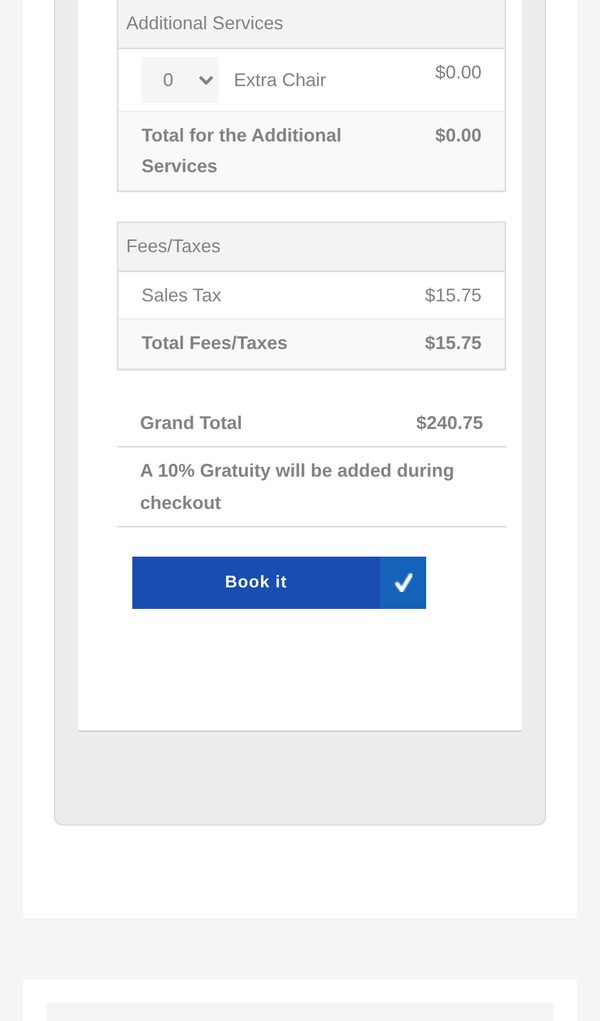
Check the Quantity, add any extra chairs, and look over the prices for each day. Then click Book it.
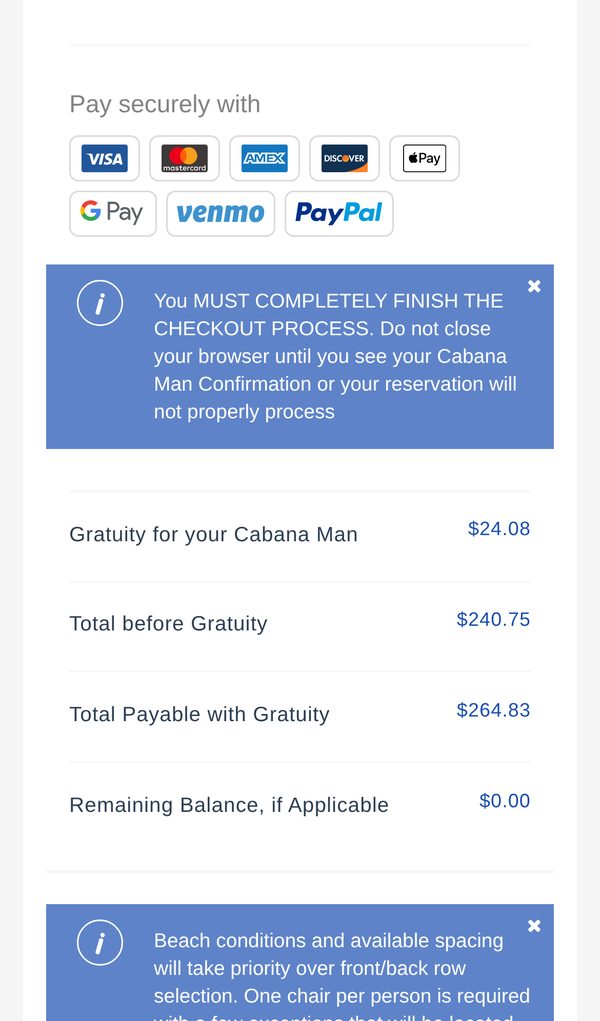
A 10% gratuity for your Cabana Man is added at checkout.
7Fill in your details
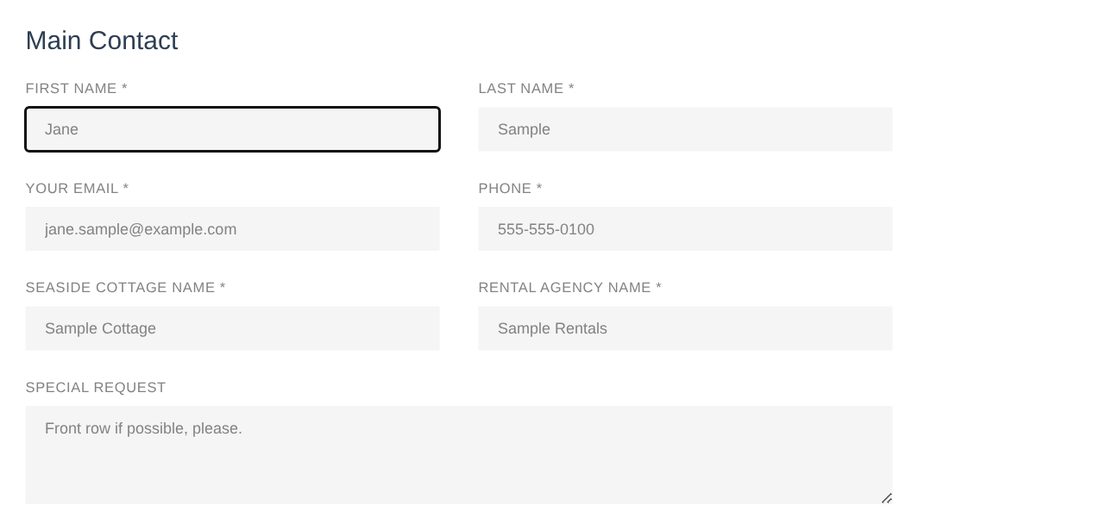
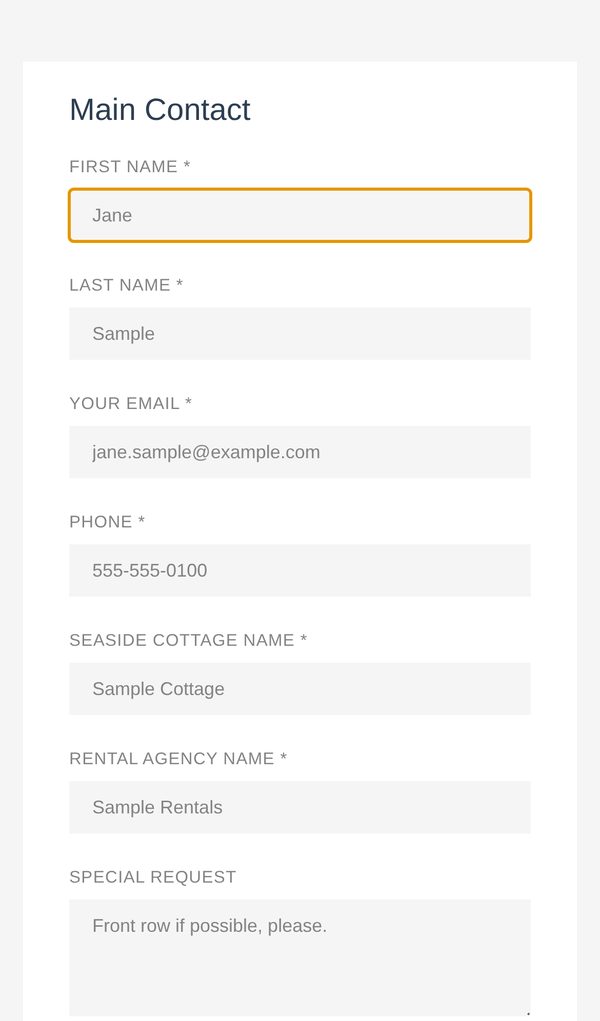
Enter your first and last name, email, phone, your Seaside cottage name and your rental agency. Add a Special Request if you have one.
If we do not recognize your cottage or rental agency, a yellow box appears. Check the spelling first. If it is right, select the box to continue.
8Check your total, the boxes and the validation number
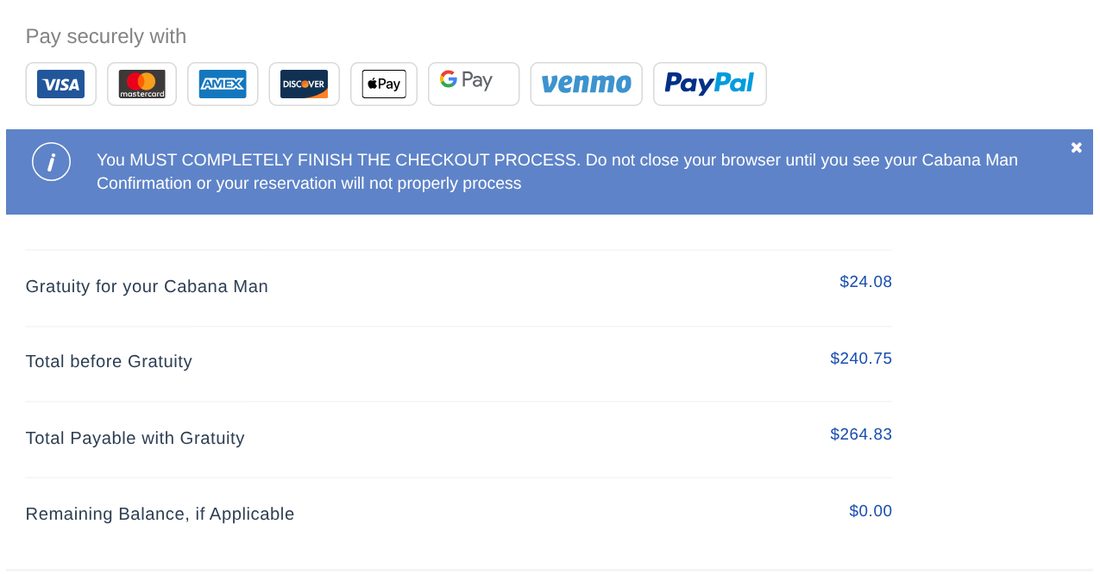
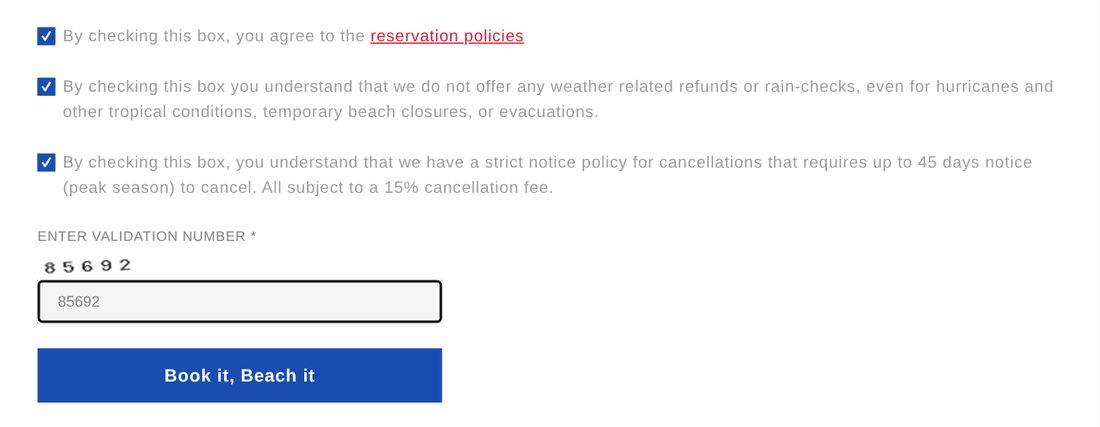
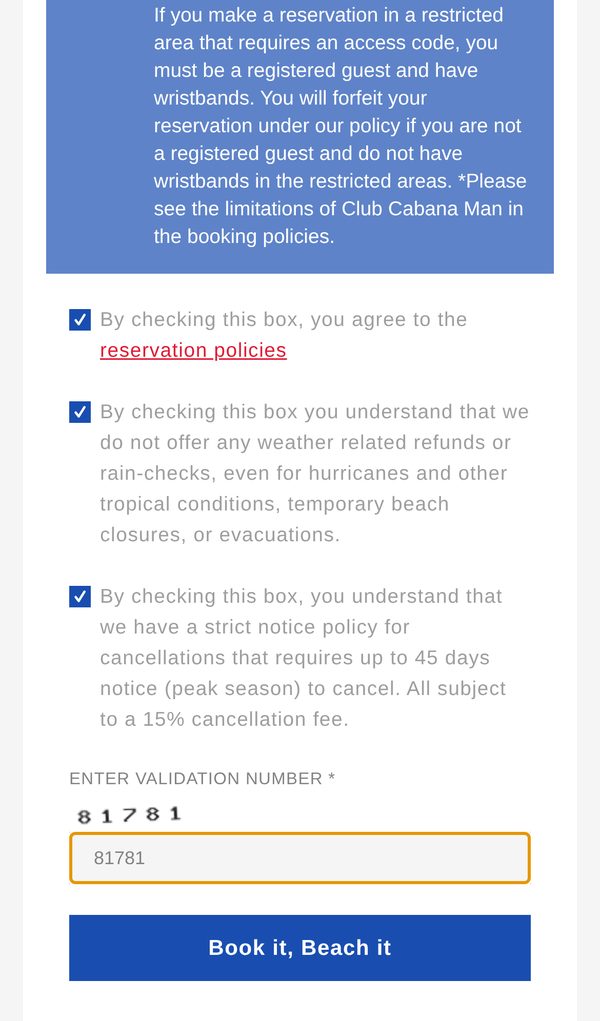
Look over the gratuity and the Total Payable with Gratuity. Check the three boxes, type the validation number shown above the box, then click Book it, Beach it.
9Choose how to pay
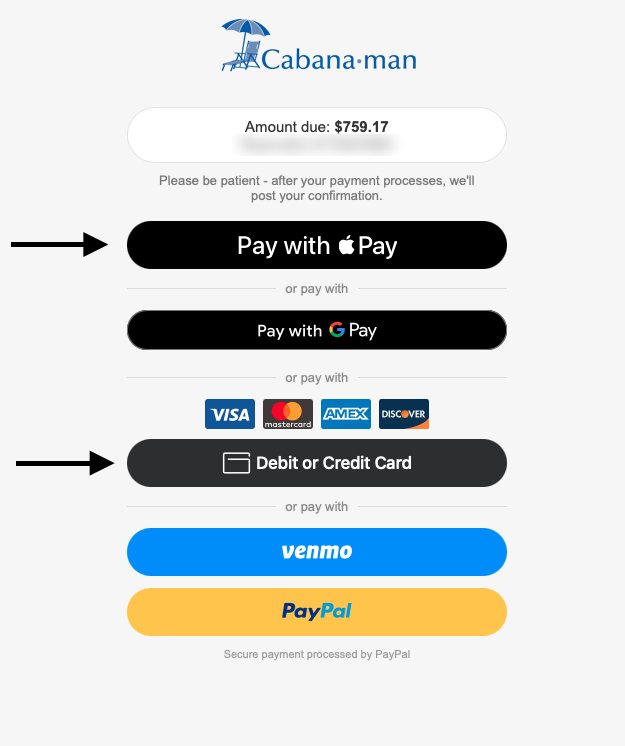
The secure payment page shows the amount due. Pick one:
Apple Pay: on an iPhone, iPad or Mac using Safari.
Google Pay: on Android phones and in Chrome.
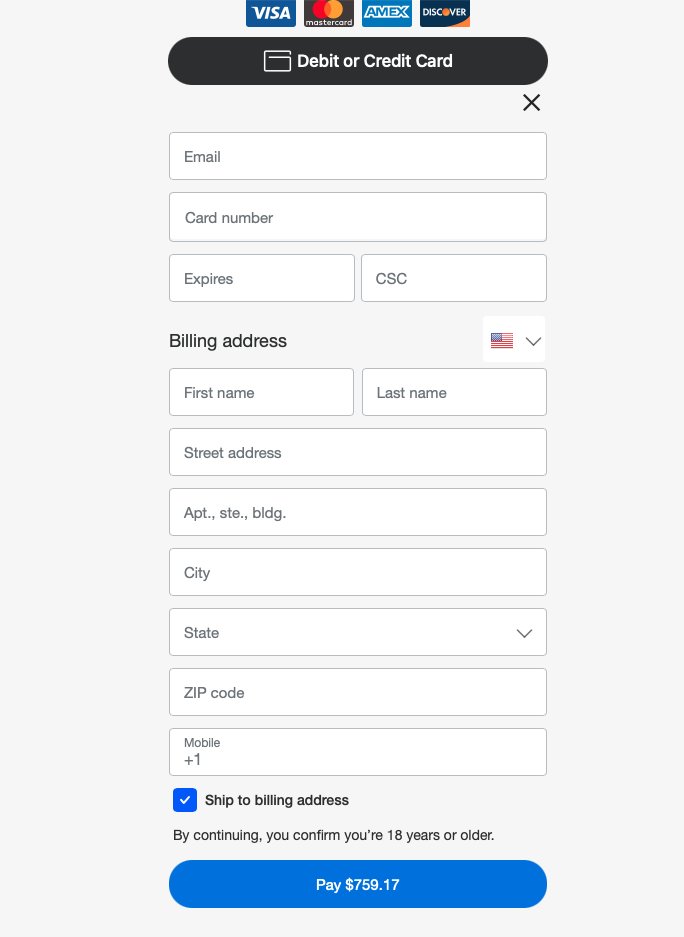
Debit or Credit Card: Visa, Mastercard, American Express or Discover. No PayPal account needed.
Venmo or PayPal: sign in to your account to pay.
Please be patient after paying, and do not close the page until you see your Cabana Man confirmation.
10Paying by card
Click Debit or Credit Card. Enter your email, card number, expiration date and security code (CSC), then your billing address and mobile number. Click Pay.
11You are booked
Your Cabana Man confirmation shows on screen and is emailed to you. Keep it handy. You can find it later under My Reservation.
No email? Check your spam or junk folder. Questions? Visit our FAQs or Contact Us.